Melodyne Tutorial: Techniques For Editing Pop Vocals
In this video you will learn how to get the most out of your vocal tracks with a few editing tips and tricks in Melodyne.

More
More
Hardware & Accessories
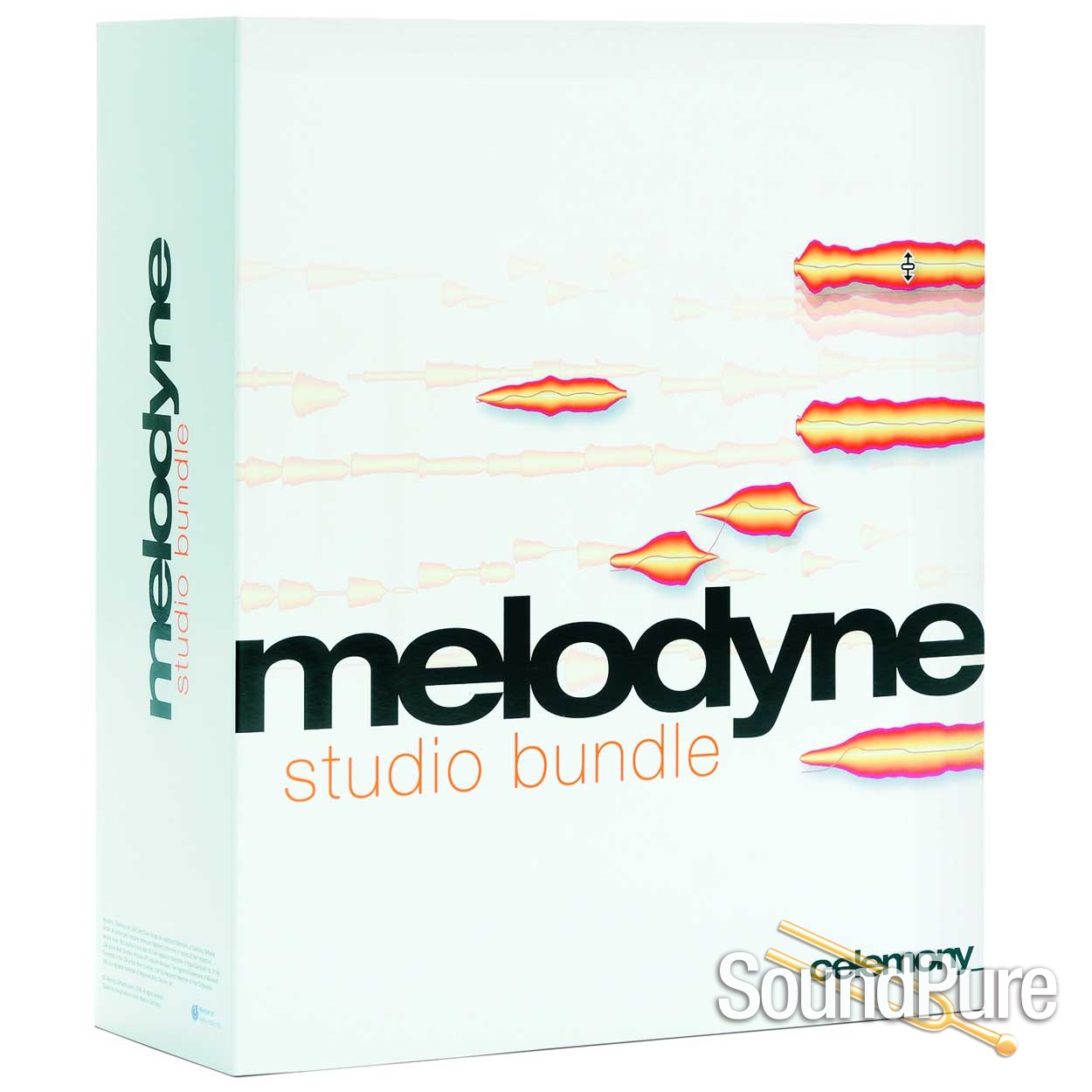
From Celemony
Melodyne studio is the largest edition, designed for professionals working with multiple tracks. Also, in the field of sound design Melodyne studio opens up new vistas with its unique function set.
In addition to all the functions of the smaller editions, Melodyne studio offers:
Multi-tracking: You can access all your DAW’s Melodyne tracks in a single window and display as many tracks as you like simultaneously in the Note Editor. So with backing vocals or choral works, for example, you have a clear view of the entire musical context and can edit related tracks together.
Multitrack Note Editing: In the Note Editor, you can make any selection of notes from the displayed tracks and edit them simultaneously. Transcending track boundaries. Using all the tools. Ideal for bringing backing vocals, for instance, into tighter alignment, changing their harmonic structure or improving their voice-leading – as effortlessly as if they were all on the same track.
Track-transcending macros: Intelligent macros let you enhance or perfect simultaneously the intonation, timing and dynamics of any selection of notes on any number of tracks.
Quantize to a reference track: With the Quantize Time macro, you can use the timing of one track as a reference for the quantization of others, turning a ragged ensemble into something tight and disciplined in next to no time.
The Sound Editor: Melodyne knows the overtone structure of every single note, and the access the Melodyne Sound Editor gives you to the timbre of your voices and instruments is just as far-reaching. Ranging from ingenious overtone macros to an exceptionally musical EQ, morphing and much else besides, the sound design possibilities are unique.
In a nutshell: The unparalleled efficiency of its multitrack workflow and comprehensive capabilities for the editing of vocals and all instruments make Melodyne studio the ultimate professional tool for state-of-the-art audio editing. Musical, intuitive, and awesomely efficient.
Included:
Multi-tracking – view and manage multiple tracks in a single window
Multitrack Note Editing – edit the notes of multiple tracks simultaneously
Track-transcending macros – apply the macros to multiple tracks simultaneously
Quantize to reference track – make one track adopt the timing of another
Sound Editor – unique, overtone-based sound design
DNA Direct Note Access – algorithms for polyphonic instruments such as piano and guitar
Editing of individual notes within chords – with all the tools and macros
Extended tempo functions – map and edit sudden or gradual changes of tempo
Extended scale functions – create and modify scales; extract scales from audio material
Audio-to-MIDI – export notes to a MIDI file
Inspectors – swift access to all parameters
All Melodyne’s tools – for pitch, formants, volume, timing, sibilants
Musically weighted pitch analysis – for psycho-acoustically optimal intonation correction
Chord Track and chord recognition – bring notes into line harmonically, extract chords from audio
All the algorithms without DNA – for melodic, percussive and complex material
Edit note assignments – full control over the algorithms
Melodyne’s Main Tool – edit the pitch, position and duration of notes and note separations
Macros for pitch, timing, leveling – correct and optimize notes by means of intelligent automation
Stand-alone or in your DAW – integrated via ARA , AU, VST 3 or AAX
Intercompatibility – open and edit projects created by other editions
Compatibility with Melodyne 4 – open and edit Melodyne 4 projects
For Melodyne 5 essential, assistant, editor and studio
macOS
Intel Dual Core processor (Quad Core or better recommended), 4 GB RAM (8 GB or more recommended), macOS 10.12 (64-bit) or higher. Melodyne 5.1 is compatible with macOS 12 Monterey on Intel-based Macs as well as on Apple silicon-based Macs under “Rosetta”.
Windows
Intel or AMD Dual Core processor (Quad Core or better recommended), 4 GB RAM (8 GB or more recommended), Windows 10 (64-bit), Windows 11, ASIO-compatible audio hardware.
The system requirements listed above apply when Melodyne is running as a stand-alone program. When it is running as a plug-in, however, the system requirements of the DAW must also be met. You will find further information regarding DAW compatibility in the following frame.
DAW compatibility
We test Melodyne regularly with the latest version of each DAW but only, of course, with versions of each operating system that have been cleared for use by the DAW manufacturer in question. If you wish to use some other configuration, please check with the manufacturer of your DAW whether it is compatible with your operating system.
You could equally well use the trial version of Melodyne to test this. With it, you can use all the functions of the program without any limitations, free of charge, for 30 days with no obligation. If Melodyne runs well on your system during the trial phase, it will continue to do so once purchased.
See also the tips and information on DAWs in the Help Center as well as in the FAQ.
Watch & listen
In this video you will learn how to get the most out of your vocal tracks with a few editing tips and tricks in Melodyne.
Also in this recording Melodyne 5 Editor - Pitch Correction Plug-in
Melodyne editor 2.0 comes with extended timing tools. See in this video, how the new Time Handles and the Attack Speed tool allow for even more detailed editing of your audio tracks.
Also in this recording Melodyne 5 Editor - Pitch Correction Plug-in
With our "First Steps" film, you will enter the fascinating world of Melodyne and find your way around with particular speed. Let us show you what Melodyne can do and how to use the program -- and try things out for yourself at the same time!
Manuals & documents
In addition to the standard included manufacturer warranty, virtually all new products carry our exclusive, industry-leading, absolutely free Sound Pure 3-Year Warranty, which includes parts and labor. It's our way of adding real value to the personal touch our small, dedicated team brings to every purchase.
Coverage exclusions live in Terms & Conditions, Section 27. Read the warranty →

Sound Pure Studios · Durham, NC
Sound Pure is a working studio in Durham, NC — a 1,000 sq ft live room and two pro control rooms. Book a session to audition gear in a world-class acoustic space before you buy.